How to make a free printable calendar
Making a free printable calendar here takes about a minute. You choose what the calendar shows, how it fits the page, and what it looks like — then print it or save a file. Everything runs in your browser, and you never need an account.
How to make a free printable calendar sections
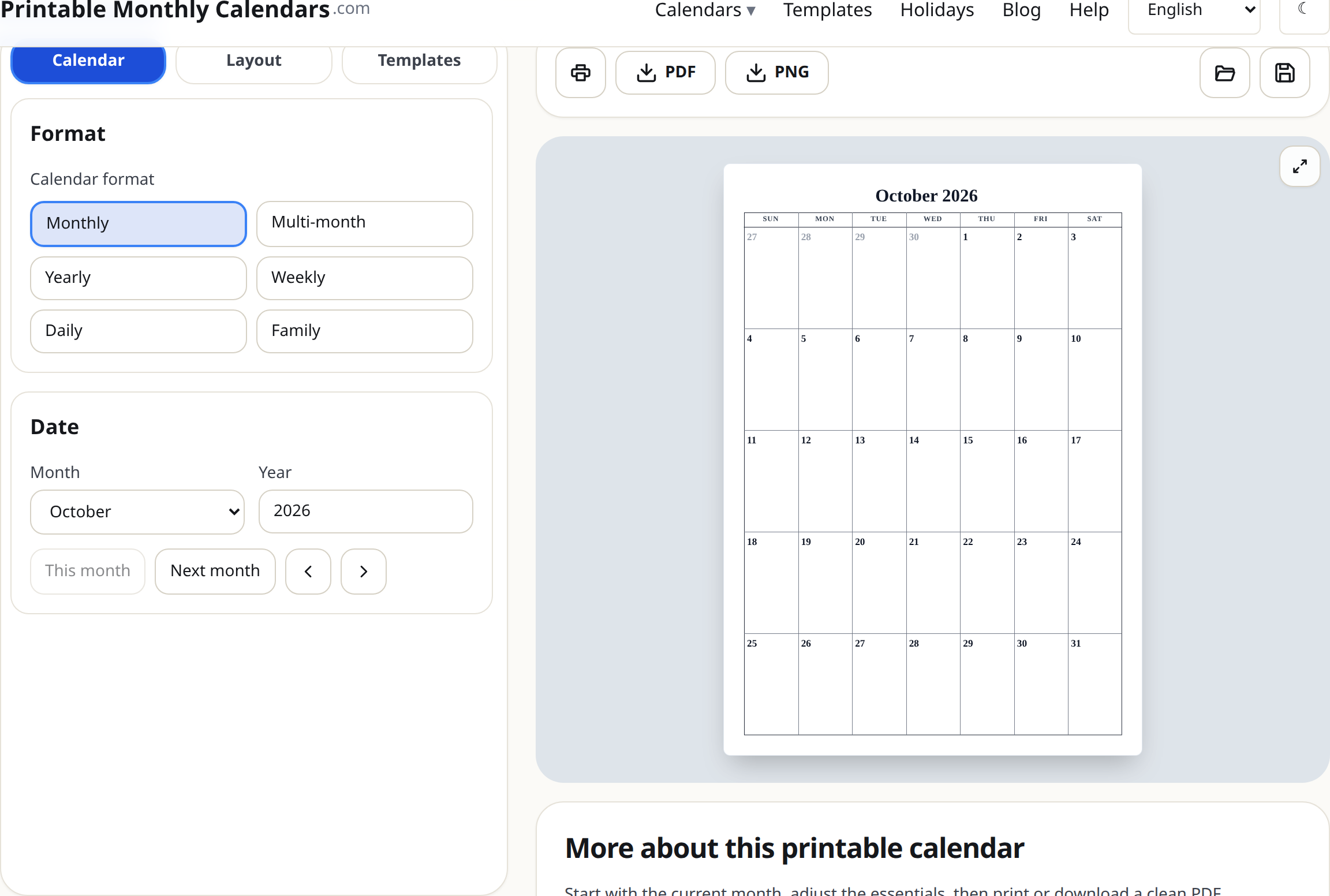
Make your first calendar
- Open the generator. You will see three tabs on the left — Calendar, Layout and Templates — and a live preview on the right.
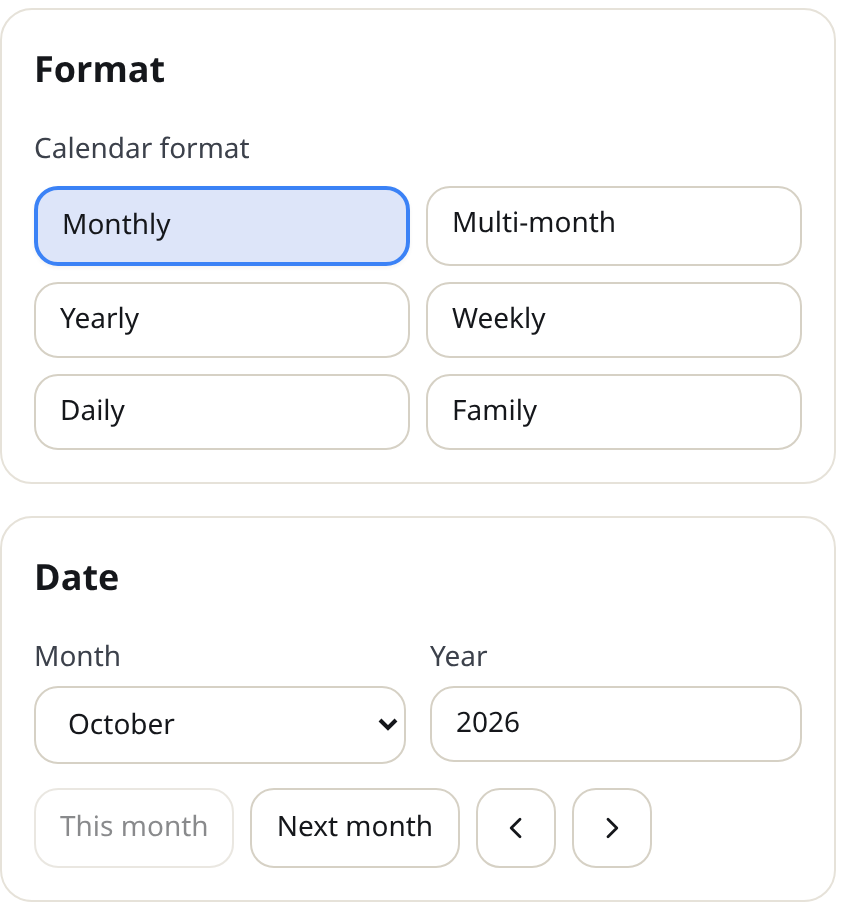
- On the Calendar tab, pick a Calendar format: Monthly, Multi-month, Yearly, Weekly, Daily or Family. Monthly is the classic one-page month grid.
- Under Date, choose the Month and type the Year (any year from 1900 to 2100). The shortcut buttons This month and Next month jump you around quickly.
- On the Layout tab, set Page setup: Paper size (A4, A3, Legal or US Letter), Orientation (Portrait or Landscape) and Week starts on (Sunday or Monday).
- On the Templates tab, pick a design. Hovering a design previews it on your calendar instantly; clicking selects it.
- Press Print, Download PDF or Download PNG above the preview when you are happy.
Tips
- The preview always matches the output. If it looks right on screen, it prints right.
- Set the paper size to match the paper actually in your printer. That alone prevents most printing problems.
- Press Save (top right) to download your calendar as a file you can reopen and edit later.
Mini-FAQ
- Is it really free?
- Yes. Every format, design and export option is free, with no sign-up.
- Does anything get uploaded?
- No. The calendar is generated in your browser.