How to add public holidays to your calendar
Holiday labels are one toggle away. The generator knows the public holidays of 70 countries, marks their dates, and — where a holiday lands on a weekend — labels the observed substitute day too.
How to add public holidays to your calendar sections
Show holidays
- Open the Layout tab.
- Tick Show public holidays.
- Open the Holiday country picker just below and search for your country — the list is searchable and shows flags.
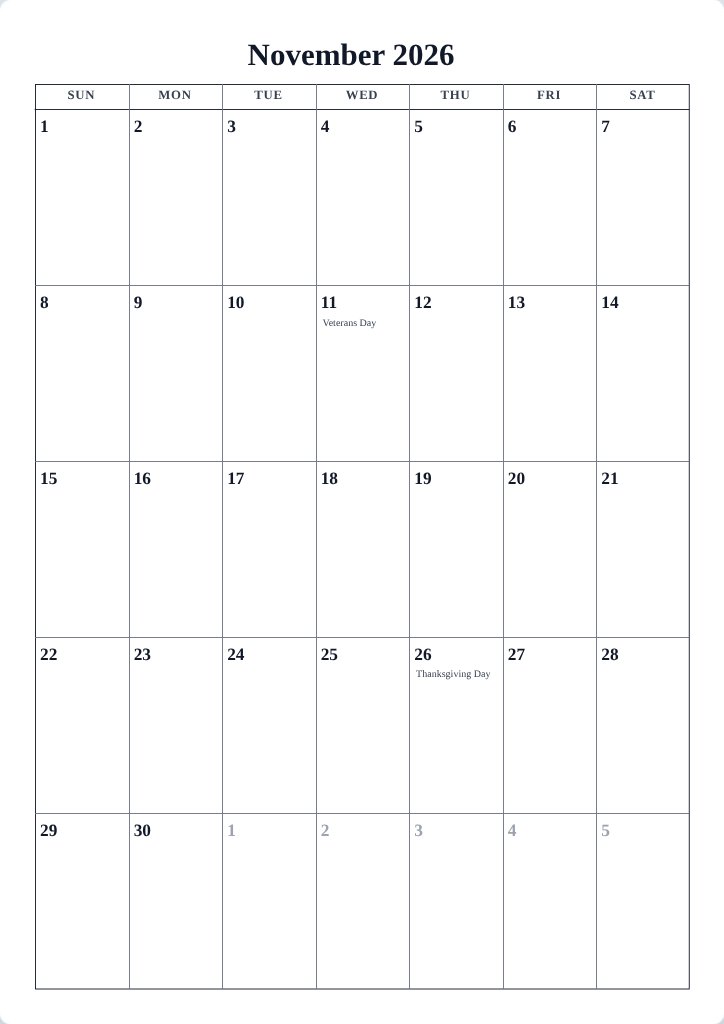
- The calendar labels each holiday on its date. Holidays appear on the Monthly format, where the day cells have room for text.
How holiday labels look
- Holiday text follows the design's Frame content style, so it always matches the calendar's typography.
- Designs that mark holidays in a special color exist — the Classic set draws Sundays and holidays in red, for example.
- When a holiday falls on a weekend, many countries observe it on the next Monday (or another substitute day). The observed date gets its own labeled entry so the printout matches what people actually get off.
Tips
- Printing for a mixed audience? Generate one calendar per country — the rest of the setup stays identical, only the labels change.
- Pair holidays with a notes area to build a complete family command-center page.
Mini-FAQ
- Why don't I see holiday labels on the Yearly format?
- Yearly and other compact formats don't have room for holiday names; switch to Monthly for the labeled view.