How to make a blank calendar to print
A blank calendar is a month grid with nothing preprinted — just the dates and room to write. It is the right tool when the plan lives on paper: family command centers, classroom walls, meal planners.
How to make a blank calendar to print sections
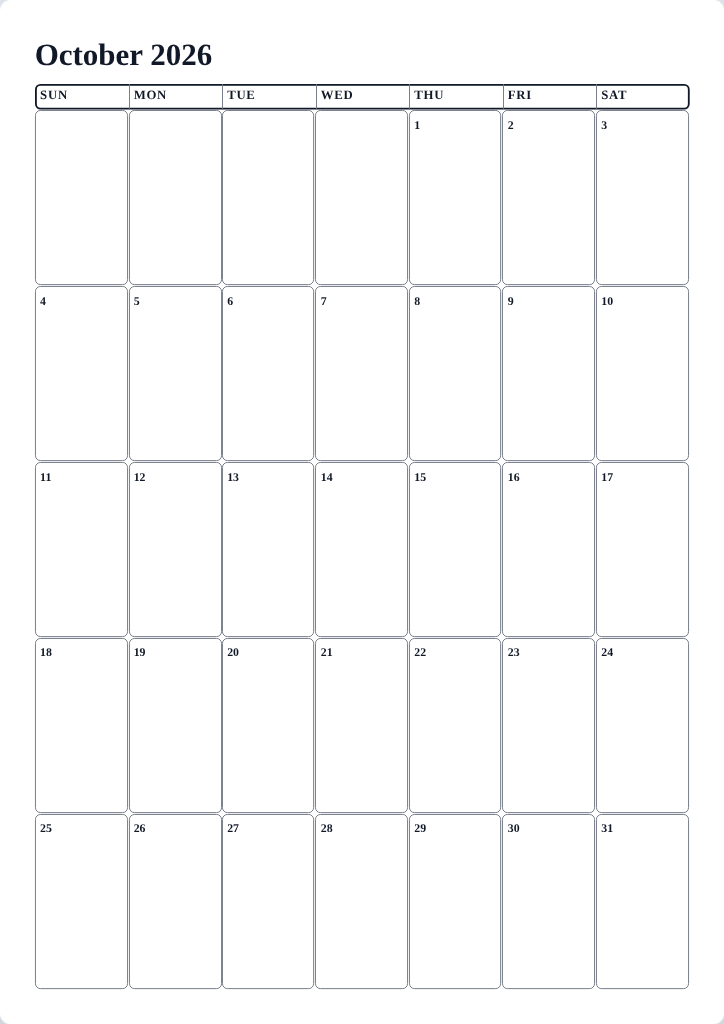
Set up a blank calendar
- On the Calendar tab, choose the Monthly format and the month you need.
- On the Layout tab, tick Blank calendar — the generator's option for a clean calendar meant for handwriting. It drops public holidays and adjacent-month dates for you, so no prefilled text competes with your handwriting.
- Tick Include a Notes area. and set the Notes size if you want a dedicated writing strip.
- On the Templates tab, pick a design with open cells — Large Writing Space is built for it — and press Print.
Tips
- Print at 100% scale on thicker paper if the sheet will live on a fridge and survive pens and magnets.
- Making twelve? Set the month, print, advance one month with Next month, print again — the design and layout stay put.
- For a reusable wipe-clean sheet, slide the printout into a plastic sleeve and use dry-erase markers.
Mini-FAQ
- Can I get a calendar with entirely empty day cells — no numbers?
- The generator always prints the correct dates so the sheet stays truthful; the blank setup removes the extra content, not the dates.