Portrait vs landscape calendar
Orientation decides how much room each day gets, and it matters more than most style choices. The generator offers Portrait and Landscape for every format in the Orientation setting under Page setup.
Portrait vs landscape calendar sections
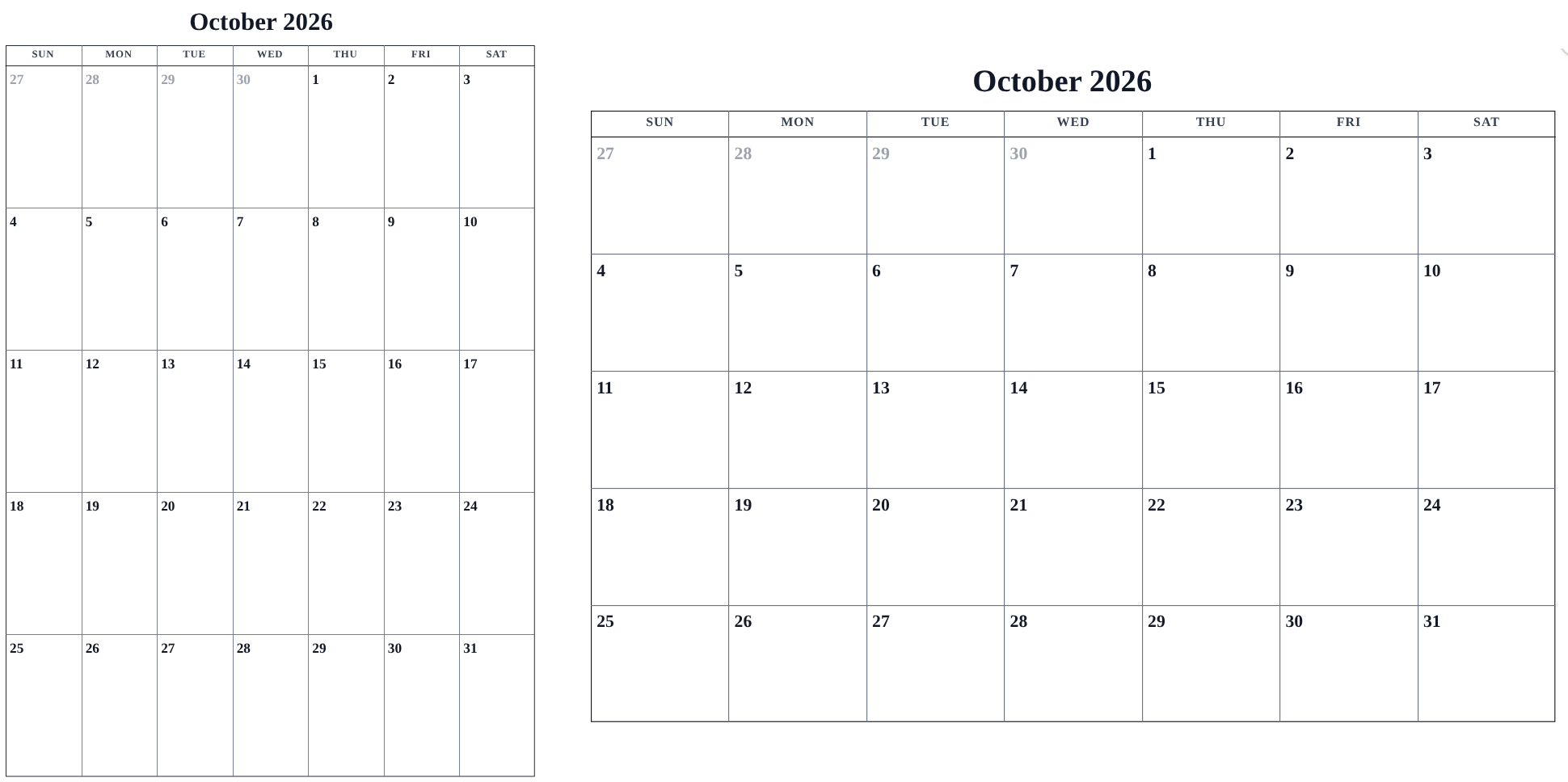
When portrait wins
- Monthly and weekly calendars you write on: portrait gives taller day cells, so there is more room for handwriting.
- Wall and fridge calendars: a portrait sheet hangs like a poster.
When landscape wins
- Multi-month and yearly calendars: landscape gives the month blocks width to breathe.
- Wide plans — family lanes, shift rosters, or anything with long written labels — fit better in landscape day columns.
How to switch
- Open the Layout tab.
- Under Page setup, choose Portrait or Landscape.
- Check the preview. If cells look cramped or the page looks empty, try the other orientation — each design has a natural pairing, and the preview makes it obvious.
Tips
- Orientation and paper size work together: A4 portrait and US Letter landscape are the two roomiest everyday options.
- Turning on a notes area eats vertical space; landscape can win it back for weekly formats.
Mini-FAQ
- Does orientation affect the PDF and PNG?
- Yes — downloads come out in the chosen orientation, matching the preview.